


A world of mapsets
Explore categories and tags, save favorites and find a new reason to return to DOOM.
 DoomDeckLauncher
Made for your next playthrough
DoomDeckLauncher is a free, open-source, controller-first launcher for Steam Deck. Turn your Steam-owned DOOM games into a doorway to community maps — discover, install and play.
Install on Steam DeckDownloads a .flatpakref · Open with Discover in Desktop Mode
Experimental · v0.0.11 · Published
See the setup steps
Less setup. More discovery.
DoomDeckLauncher collects community DOOM mapsets in one library. Browse the catalog, choose a setup and keep your adventures together.
Explore categories and tags, save favorites and find a new reason to return to DOOM.
Curated recipes define components and load order. Review your setup before you play.
Bring your legally owned base games. Keep engine settings, profiles and saves organized.
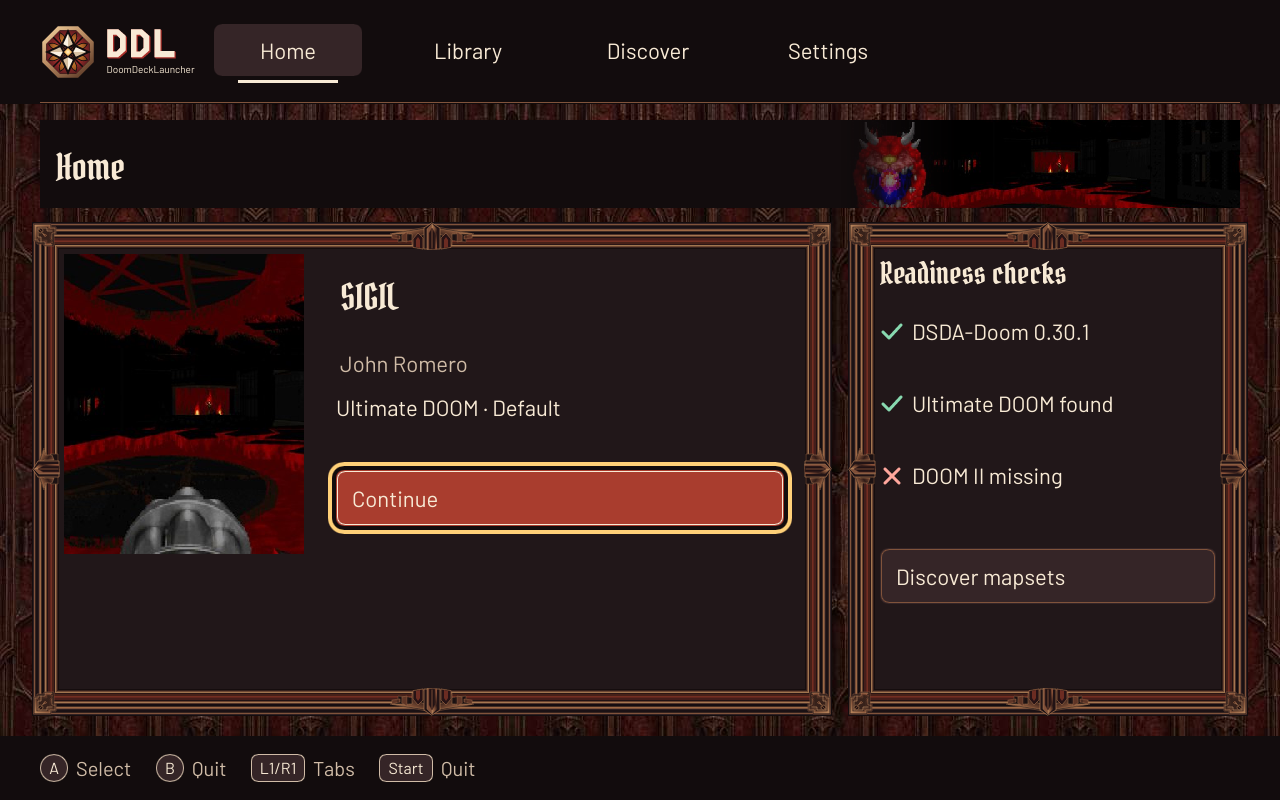
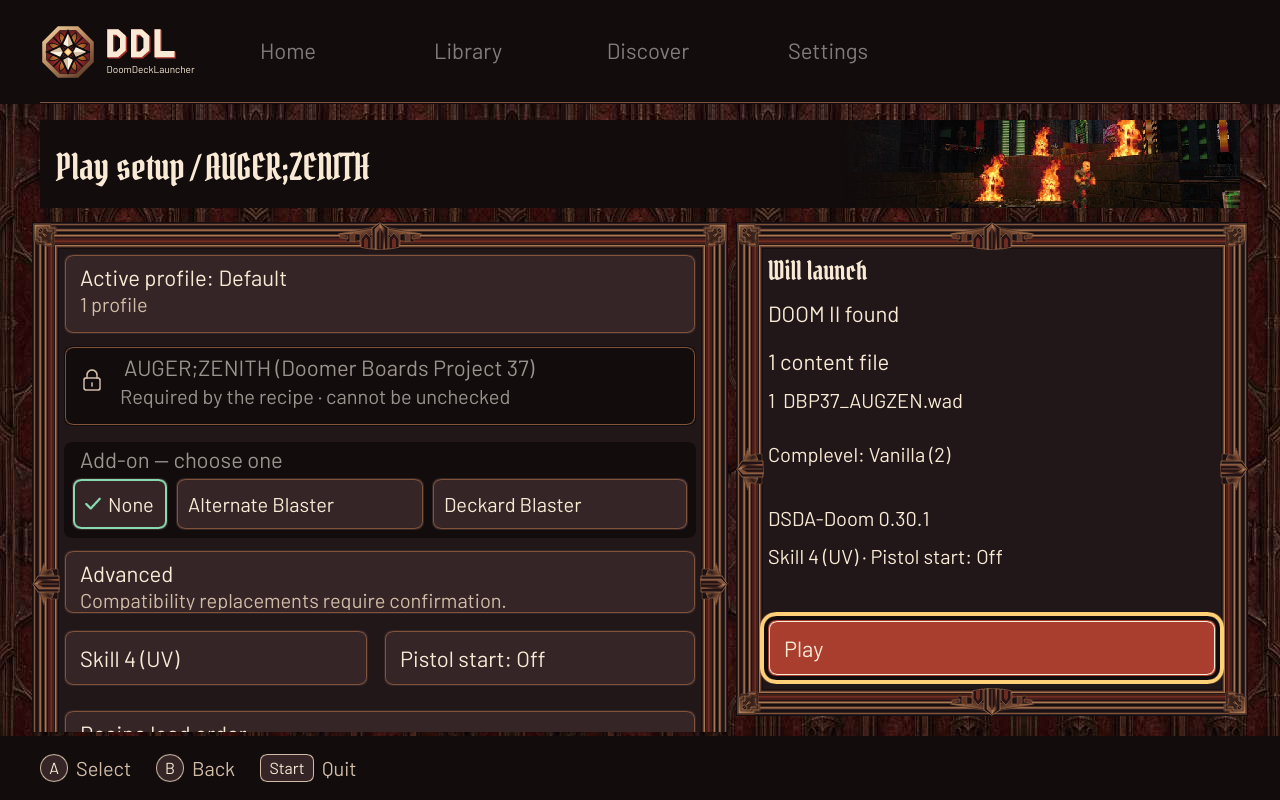
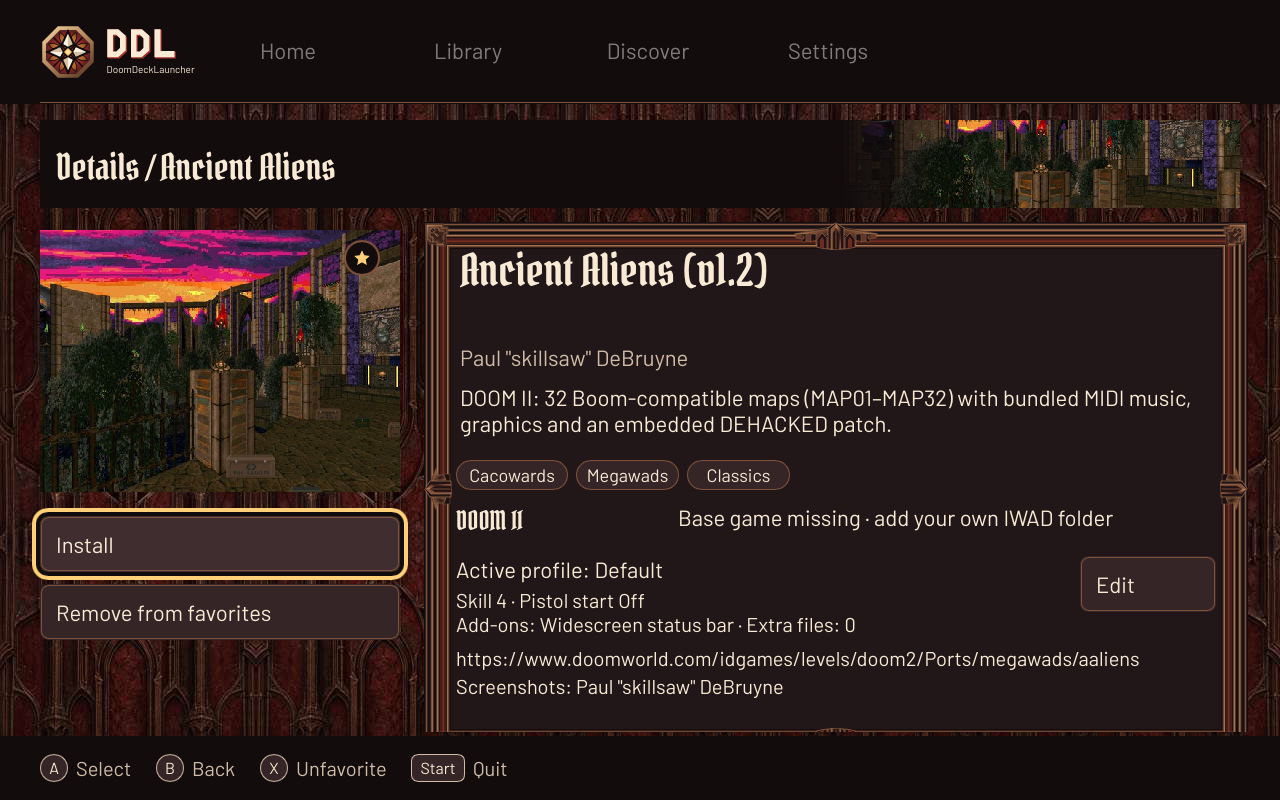
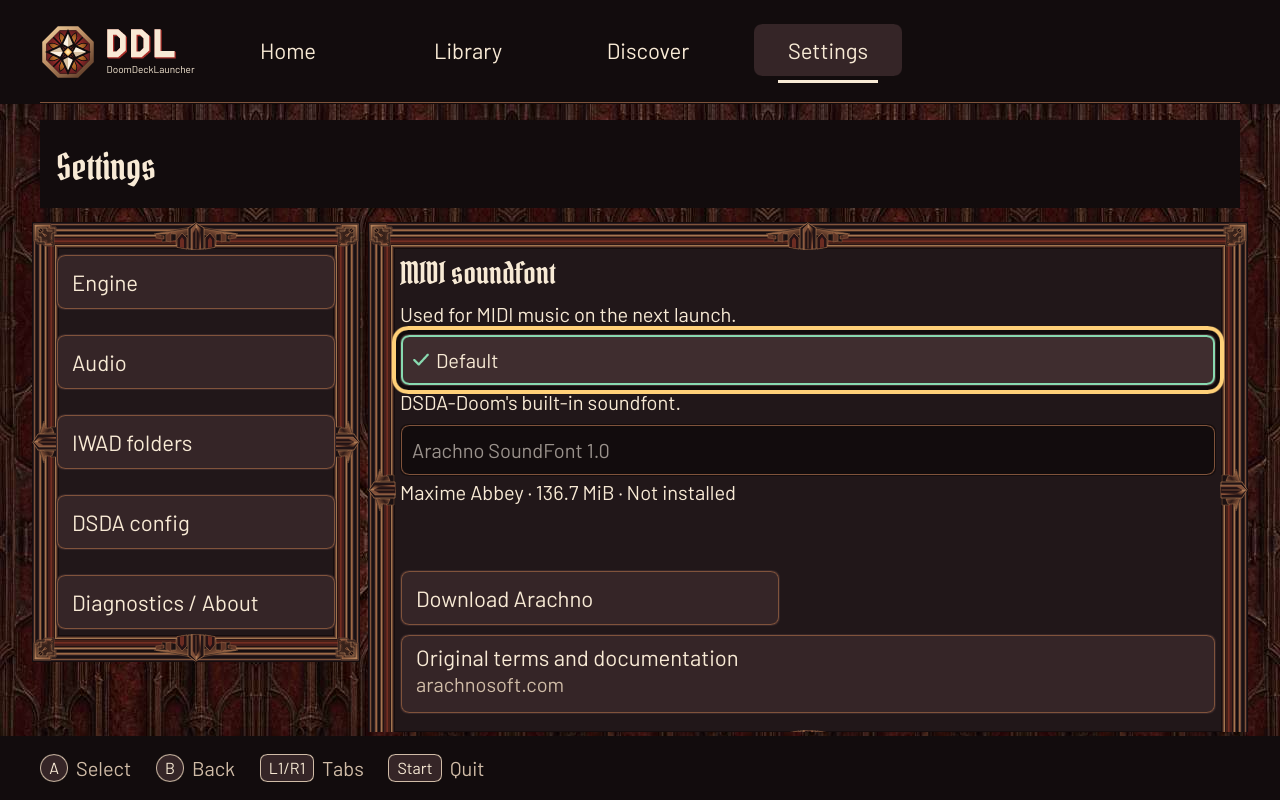
Current Slint UI rendered off-screen with sample data, shared with the README. Map imagery belongs to its respective creators; see credits.
Your first launch
You’ll need a Steam Deck and legally owned DOOM base-game files (IWADs). DDL never bundles or downloads commercial base games.
Install on Steam DeckSigned Flatpak · Experimental channel
Switch to Desktop Mode and use the install
link. Open the downloaded .flatpakref file from
your browser’s downloads or Dolphin; choose
Discover if asked. Review the source and
permissions, then select Install. Downloading
the file alone does not install DDL.
In Steam, choose Games → Add a Non-Steam Game.
Select DoomDeckLauncher if listed. Otherwise browse to
/usr/bin/flatpak and set launch options to
run com.doomdecklauncher.DoomDeckLauncher. Rename the shortcut to
DoomDeckLauncher.
In Properties → Compatibility, leave Force a compatibility tool off (tool: none).
Launch DDL, install the official DSDA-Doom engine and add a folder containing your own IWADs. Return to Gaming Mode, configure your controller layout, then discover and install a compatible mapset.
Keep the adventure going
This is a pre-alpha, self-hosted Flatpak repository signed with the project’s key. It is not a Flathub listing or a Flathub-reviewed build. The install ref includes the repository key; runtimes come from Flathub.
DSDA-Doom is downloaded separately from its official upstream release. DDL is built with Rust and Slint, with AI assistance under its human maintainer’s direction and review.
Check Discover for launcher updates from this signed remote. Engine and catalog updates stay inside DDL; your installed mapsets, profiles and saves survive app updates.
Prefer an archive? Download
ddl-linux-x86_64.tar.gz and its checksum from
GitHub Releases. Extract, keep the folder together and add the
ddl executable to Steam.
Tarball setup guide.
If the downloaded file does not open in Discover, install it from Konsole in Desktop Mode:
flatpak install --user --from https://doomdecklauncher.com/com.doomdecklauncher.DoomDeckLauncher.flatpakrefUpdate the launcher:
flatpak update --user com.doomdecklauncher.DoomDeckLauncher
Uninstall the launcher (app data is kept unless you also pass
--delete-data):
flatpak uninstall --user com.doomdecklauncher.DoomDeckLauncher
Remote: https://doomdecklauncher.com/repo/ · Branch:
stable ·
Repository file
The Flatpak research records the upstream evidence. The Deck checklist tracks hardware validation. The guide’s Flathub section describes a future channel; use this page for the current signed remote.
Before you install
What DoomDeckLauncher is, what it needs from you, and what it leaves to the games you already own.
DoomDeckLauncher (DDL) is a free, open-source launcher for Steam Deck that keeps community DOOM mapsets, curated load order, engine settings, profiles and saves in one controller-first library. It starts mapsets with DSDA-Doom. It is an independent project, not a DOOM re-release and not a game download service.
Yes. DDL is free software under GPL-3.0-or-later, with no account, subscription or paid tier. You still need to own the DOOM games whose IWAD files you add.
No commercial base game is bundled or downloaded. You point DDL at a folder holding your own IWADs, and DDL installs community mapsets from their published releases. Mapset imagery and credits stay with their authors.
DSDA-Doom only. The official engine release is downloaded separately from its upstream project inside DDL. GZDoom and other source ports are not supported.
Download the signed .flatpakref, open it in Discover
in Desktop Mode and install. Discover then delivers launcher
updates from this self-hosted experimental remote — not Flathub.
Engine and catalog updates arrive inside DDL, and installed
mapsets, profiles and saves survive app updates. A
ddl-linux-x86_64.tar.gz archive is available on
GitHub Releases instead.
DDL is designed controller-first for Steam Deck, with a Linux Flatpak build; no Windows or macOS builds are published. Installation happens in Desktop Mode, then you add the launcher to Steam and return to Gaming Mode. Hardware validation is still in progress: the install flow, controls and gameplay still need testing on a physical Deck.
More detail: the Steam Deck guide and the Flatpak research notes.